
Download RAMRush – Free RAM Cleaner for Windows
Overview
RAMRush is a lightweight, productivity-focused application designed to optimize system performance by managing available RAM on Windows devices. The app targets users experiencing sluggish performance due to memory bottlenecks, particularly on older or less powerful machines. By freeing up unused memory processes, RAMRush aims to improve responsiveness and ensure smoother multitasking across applications.
Designed for users who rely on their computers for daily tasks such as web browsing, document editing, and media consumption, RAMRush provides a straightforward solution to common performance issues. It is especially beneficial for individuals using budget hardware or legacy systems where RAM upgrades are not feasible. The app operates without requiring advanced technical knowledge, making it accessible to a broad range of users.
The developer, RAMRush, has not provided additional information about their background or history. However, the app’s functionality suggests a focus on utility and efficiency. In the broader software ecosystem, tools like RAMRush fill a niche by offering targeted memory optimization without the complexity of system-level utilities. This makes it a relevant addition for users seeking immediate performance improvements without installing heavy software suites.
Key Features & Functionality
- Background Operation – RAMRush runs silently in the background, continuously monitoring memory usage without interfering with active tasks. This allows for uninterrupted user workflows while maintaining optimal system performance.
- One-Click RAM Management – With a single click on the app’s icon, users can initiate a memory cleanup process. This instant action frees up allocated but unused RAM, resulting in faster application loading and improved system responsiveness.
- Performance Log – The app maintains a record of each memory optimization event, including timestamps and memory freed. This log enables users to track the app’s impact over time and assess performance trends on their system.
- Enhanced Program Performance – By clearing memory congestion, RAMRush helps applications run more efficiently. This is particularly useful for resource-intensive programs that may otherwise lag due to insufficient free RAM.
- Optimized for Low-End Systems – The app is specifically tailored for users with older or underpowered computers. It provides a lightweight, non-intrusive solution to extend the usability of hardware that might otherwise struggle with modern workloads.
For example, a user running multiple browser tabs and a word processor simultaneously may notice reduced lag after using RAMRush. Similarly, someone using an older laptop for video editing or graphic design could experience smoother operation after clearing background memory processes.
Interface, UX & Performance
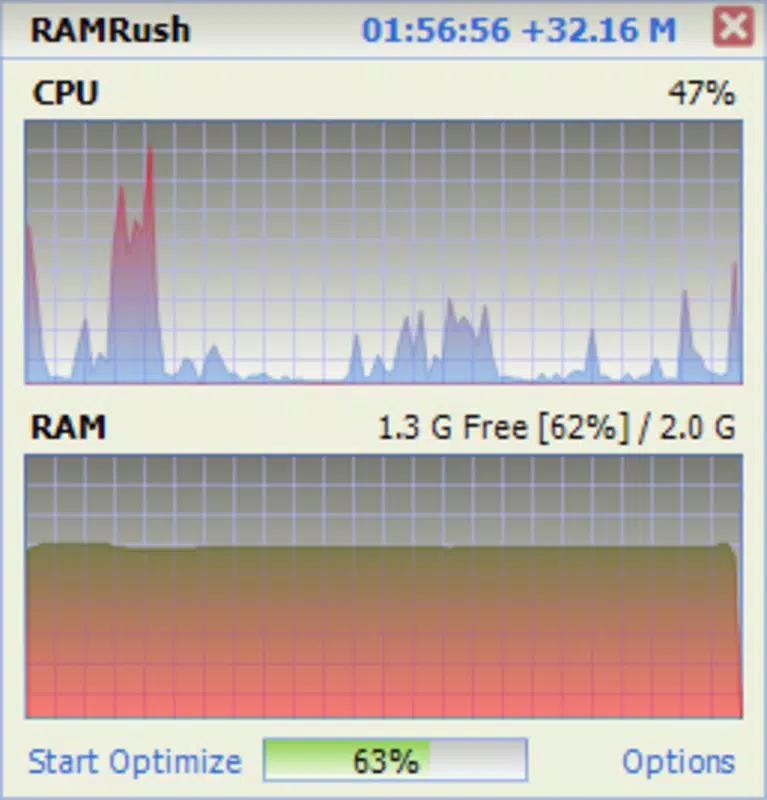
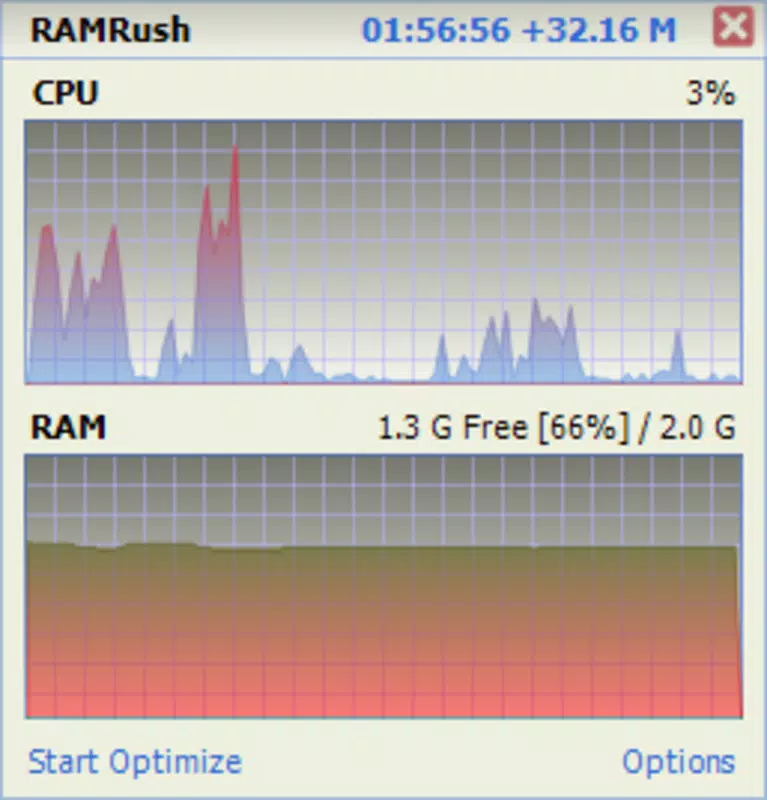
RAMRush features a minimalistic interface that prioritizes functionality over visual flair. The application presents a clean, icon-based UI that allows users to initiate memory cleanup with a single click. Navigation is intuitive, requiring no onboarding or tutorial, which supports a seamless onboarding experience for new users.
Visual design is consistent with utility tools—functional and unobtrusive. The app does not clutter the system tray or display excessive notifications, maintaining a low profile during operation. This discretion enhances user experience, especially for those who prefer tools that work quietly in the background.
Although the developer did not list formal performance metrics, the app’s small file size of 2.5 MB suggests a lightweight footprint. It is likely to run efficiently on systems with limited resources. Responsiveness is expected to be high, given the app’s simple operation and lack of complex processes. Stability appears to be a core design goal, as the app avoids intrusive behavior and does not require frequent restarts or system changes.
Platform Compatibility & Technical Requirements
RAMRush is available exclusively for the Windows platform. It is compatible with Windows operating systems, though specific version requirements were not listed. The app has a file size of 2.5 MB, indicating a compact and efficient installation package.
Given its size and purpose, RAMRush is likely designed to function on older Windows versions, though the developer did not specify minimum OS requirements. Users should verify compatibility with their system before installation. No additional hardware specifications were provided, but the app’s lightweight nature suggests it can operate on systems with modest RAM and processing power.
Pros and Cons
Pros
- Lightweight design with minimal system impact
- Simple one-click interface suitable for all skill levels
- Runs silently in the background without disruption
- Provides a performance log for tracking memory improvements
- Specifically designed for older or low-end Windows devices
Cons
- Developer did not provide detailed system requirements
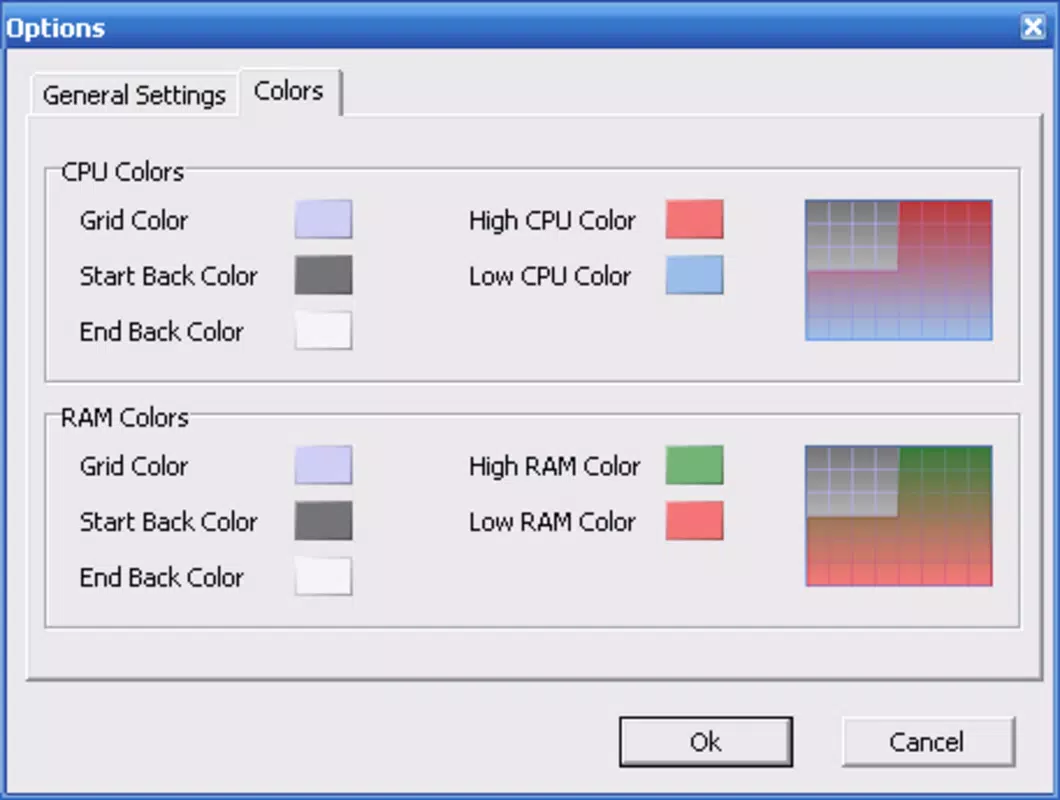
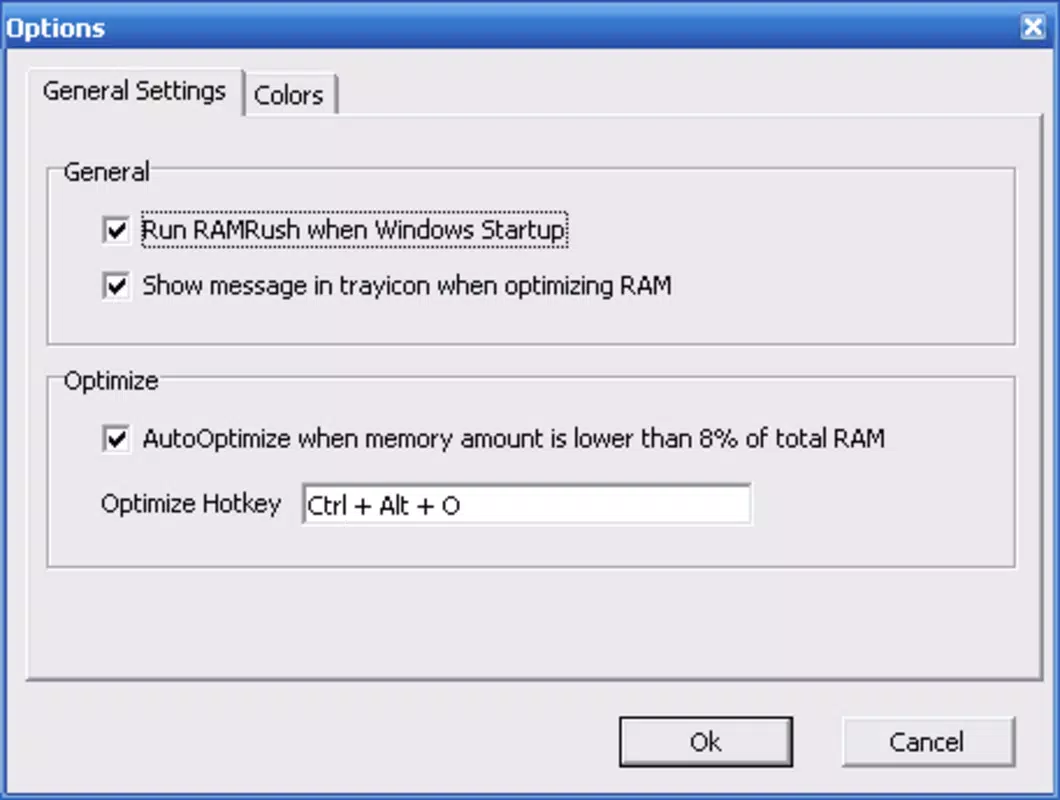
- No visible user customization options for cleanup thresholds
- Performance metrics are not displayed in real time
- Compatibility with specific Windows versions was not disclosed
- Free version lacks advanced automation or scheduling features
FAQ
Is RAMRush safe to use on my Windows PC?
Yes, RAMRush is designed to clear unused memory processes without affecting active applications. It does not modify system files or registry settings, reducing the risk of instability.
Can I install RAMRush on older Windows systems?
While the developer did not specify compatibility details, the app’s small size and utility-focused design suggest it may work on older Windows versions. Users should verify system compatibility before installation.
Does RAMRush require a paid subscription?
No, RAMRush is available at no cost. The current version is free to download and use without in-app purchases or subscription models.
How often should I use RAMRush to improve performance?
There is no fixed schedule. Users may run the app as needed when experiencing slowdowns or before launching memory-heavy applications.
Is RAMRush available for Android or iOS?
Currently, RAMRush is only available for Windows. There is no information indicating support for mobile platforms.
Final Thoughts
RAMRush delivers a focused, efficient solution for users struggling with memory-related performance issues on Windows. Its lightweight design, ease of use, and background operation make it a practical tool for anyone using older or low-spec hardware. While it lacks advanced features like automation or real-time monitoring, its core functionality is reliable and effective.
For users seeking a simple, free way to boost their system’s responsiveness, RAMRush stands out as a valuable utility. It is particularly well-suited for students, remote workers, and casual users who rely on budget or legacy devices.
Download RAMRush now


